3 Most Popular GoPro Accessories Kits
A GoPro accessories kit is usually a tempting purchase for any new GoPro owner, but which ones are the most popular and how do they stack up?

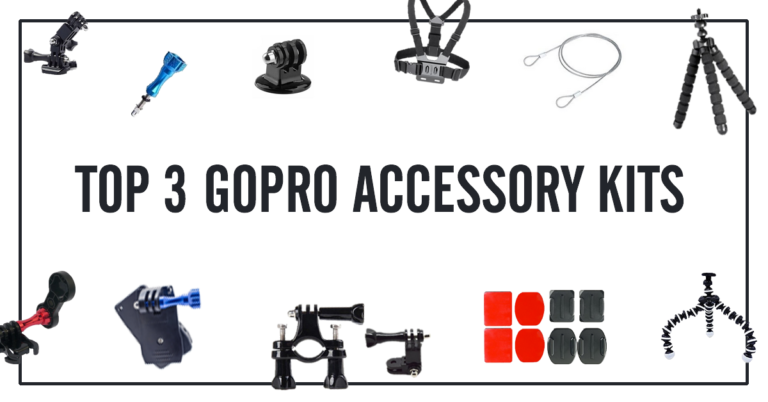
A GoPro accessories kit is usually a tempting purchase for any new GoPro owner, but which ones are the most popular and how do they stack up?

There are many amazing GoPro editing platforms and it’s hard to just stick to one of those. I have my favorites, sure, but I looked to my community to tell me what the best GoPro software out there was.

Video is a really big deal in marketing your business, your product, or your service, and it’s never been easier to incorporate into your marketing with a GoPro camera.
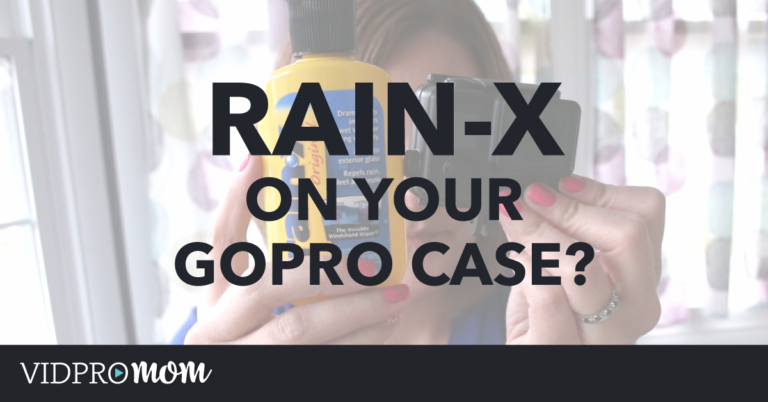
Do you know what’s really annoying? Water spots on your GoPro footage. One of the best workarounds for this is applying Rain-X on GoPro’s waterproof housing. This camera was MADE for action and comes with a waterproof case, but the fantastic folks at GoPro haven’t yet figured out a way to defy the nature of…
GoPro Studio is the free video editing software that GoPro puts out. It’s very beginner, and GoPro is always making updates to it (that’s a good thing!). But I always get questions about why it crashes, or why it doesn’t do what it’s supposed to do. And I see tons of comments around the web…
GoPro’s waterproof housing is pretty darn near indestructible, isn’t it? Not completely, but almost. And yet, removing a major part of the housing, which is the latch of your GoPro, is actually pretty simple and easy to replace. You might want to replace the latch in the GoPro housing if your original one is broken…
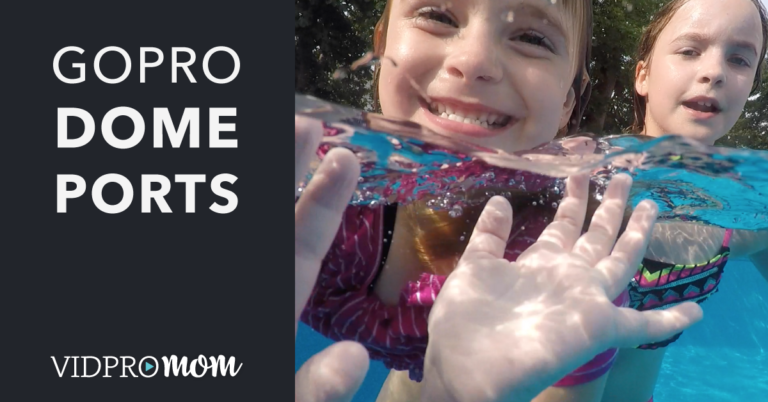
Have you ever wondered how to get the perfect “half underwater” shot with your GoPro camera? The answer is a GoPro dome port! In this blog, I’ll show you the best GoPro Dome Port that is available on the market!
Whether or not you shoot with ProTune on or off, you might need to adjust and correct your colors when editing your clips. GoPro color correction doesn’t have to be complicated in Premiere Pro! I use the “Fast Color Corrector” effect to keep things as simple as possible, and here’s a short tutorial on how…
In a previous blog post, I covered the basics of how to use GoPro Studio. I covered importing a clip, trimming, editing, and exporting. In today’s post, we’re going to dive deeper into getting started with GoPro Studio by incorporating multiple clips in GoPro Studio to form a movie. This is more of a real-world…
One of the easiest ways to create awesome GoPro videos is to start with awesome GoPro footage. Shooting video angles with that wide-angle in GoPro makes it pretty easy to grab interesting perspectives. So I put together 3 of my favorite tips for shooting GoPro videos that make my GoPro movies fun to edit.