GoPro for Kids (plus Other Kids Camera Options!)
A GoPro for kids… is there such a thing? There are several reasons why a GoPro camera makes an excellent family camera, but does it make a good kids’ camera?

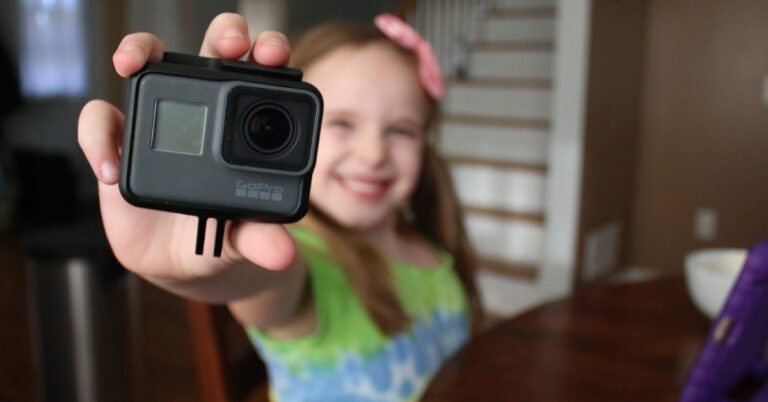
A GoPro for kids… is there such a thing? There are several reasons why a GoPro camera makes an excellent family camera, but does it make a good kids’ camera?
If you’re a Mac user, you might be wondering about editing GoPro videos with iMovie. Is it possible? Is it a good idea? Spoiler alert: the answer is YES! And in this post, I’m going to cover 5 (plus!) reasons why I think it’s an excellent idea to edit GoPro videos with iMovie.
Have you seen the new GoPro Quik for Desktop? It automatically edits your GoPro videos for you! Here’s a Quik tutorial and overview of getting started with editing your GoPro videos with Quik for Desktop. Be sure to check out the entire video overview.
GoPro introduced their new “mobile creative suite” recently, which consists of two apps that they recently acquired. The new GoPro Quik app (formerly called Replay) automatically turns your photos and clips into fully-edited, fun-to-watch movies with music, transitions, and graphics. All on your iPhone or Android device.
Do you have a GoPro? How about an Apple watch? Do you know how to control your GoPro with your Apple Watch? Did you know that was even possible? It is and I’ll show you how!
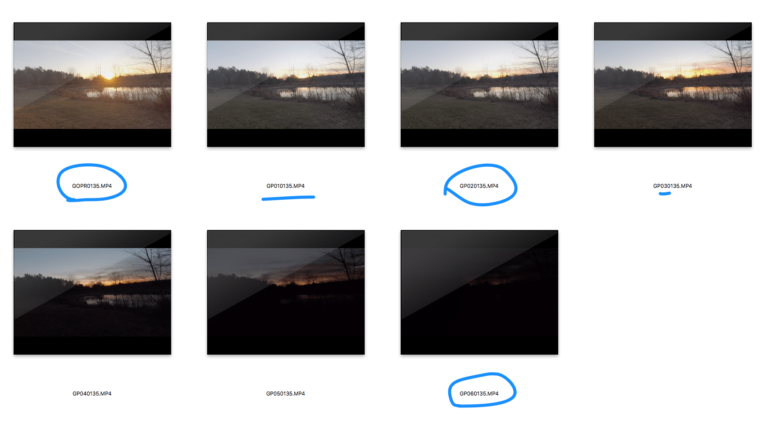
All GoPro cameras split long video files on the memory card by doing something called chaptering. As annoying as this is, there is a good reason why your GoPro video files are broken up.
If you’ve spent some time in Premiere Pro editing GoPro videos and getting things just the way you want them, then at some point, you might want to export your GoPro videos in Premiere Pro as well.
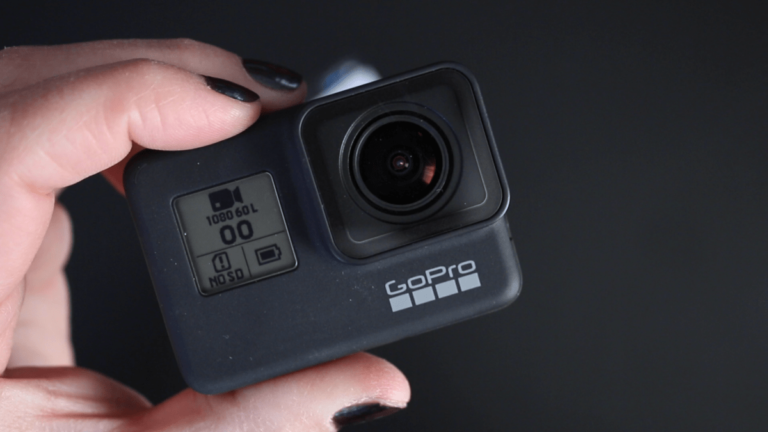
GoPro’s newest camera, the Hero7, comes with a totally redesigned menu, so the Hero 7 Settings are laid out a little different than previous models. In this post, I will walk you through the GoPro Hero 7 Settings for video capture mode, including what each setting means, and what the “best” GoPro settings might be…
I get the “What GoPro settings to use?” question a lot and honestly, I never like answering it because the answer is always “it depends”… and nobody likes to hear that! But this post will help you learn the settings and figure them out on your own.
In this tutorial, I’m going to cover how to get started with iMovie on your Mac, including how to import GoPro clips to iMovie and how to set up a project in iMovie. This is a tutorial for anyone brand new to iMovie Editing on your Mac. Be sure to watch the tutorial video as…